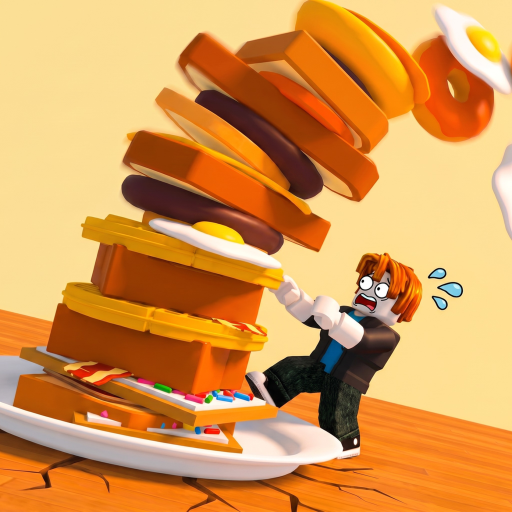
The Giant's Breakfast Items & Food Hub
Identify breakfast pieces, learn controls, and read an honest loop review.
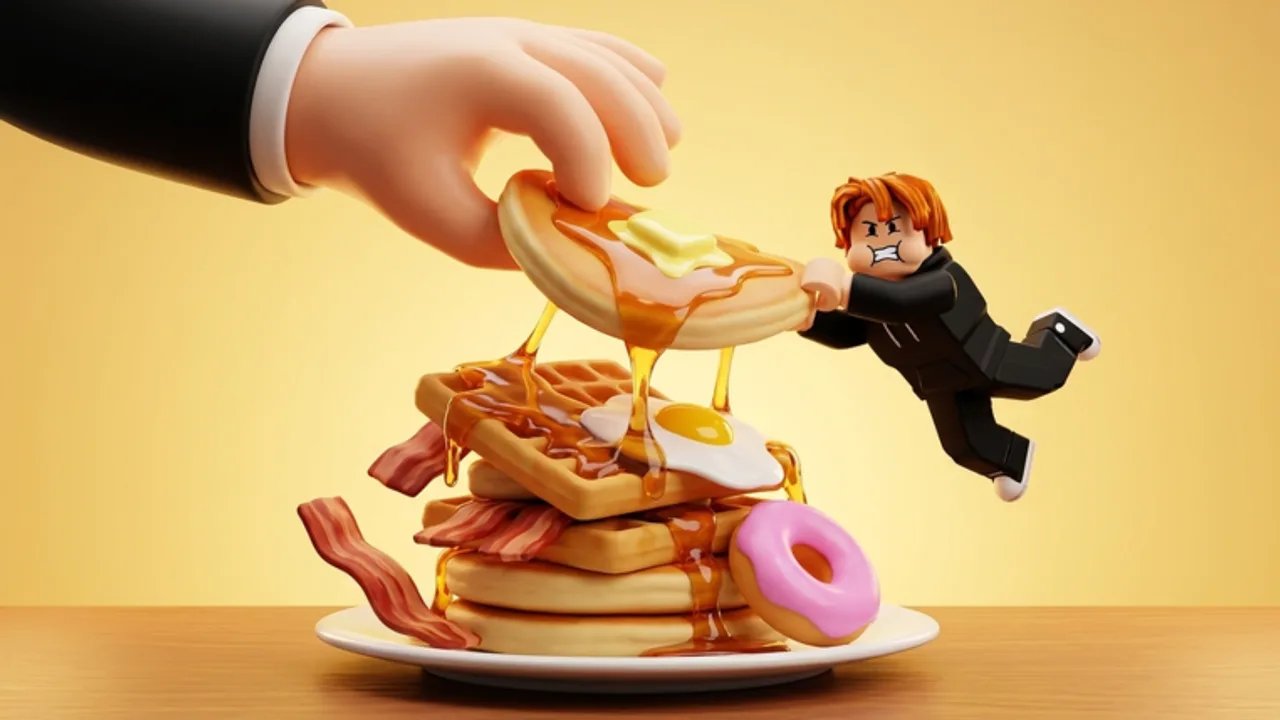
This hub is the Items wing of The Giant’s Breakfast fan wiki, stored under the template category key players while talking about foods, stations, and player-facing systems. The Giant’s Breakfast (Zidiam Studios, Roblox, released 16 July 2026) is a cooking stack tycoon: pull a lever to buy giant food, sort it to the GRIDDLE or TOASTER, cook until it sizzles, flip it onto a TOWER, earn money per second, and climb rarity toward Celestial while offline earnings and limited events keep the meta moving.
Players searching for “items,” “food list,” “controls,” or “is it worth playing” should start here, then branch into the child pages.
What lives under Items
- Food Catalog — Family guide for batters, eggs, meat, bread, pastries, dough specials, and clue items like the Bolt
- Controls — Lever, sort, cook, flip, and lobby-aware input habits
- Game Review — Honest take on the cooking stacker loop, who it is for, and where it frustrates
Systems elsewhere on the wiki
- Dough Progression, Alien Dough, Mysterious Dough, and How to Get the Bolt for special hunts
- How to Play for a full onboarding walkthrough
- Tier List Hub for early versus late food priorities
- Codes for redeemable rewards when they exist
- Updates Hub for patch and event tracking
- Tools for helper pages on this site
How to read food as an “item”
In many Roblox tycoons, items are gears or pets. Here, the inventory fantasy is a breakfast pipeline:
- Acquisition — Lever pull buys the next giant food.
- Classification — You decide GRIDDLE (batters, eggs, meat) versus TOASTER (bread, pastries).
- Transformation — Cooking changes raw purchase into stack-ready food.
- Installation — The flip pops the piece onto the tower.
- Passive value — Stacked food pays money per second and supports offline earnings.
- Progression hook — Taller towers are tied to rarer finds, up to Celestial.
When this hub says “item,” it usually means a food piece moving through that pipeline—not a separate combat loadout.
Recommended reading order
- Skim this hub for vocabulary.
- Learn inputs on Controls.
- Identify families in the Food Catalog.
- Play a real session using How to Play.
- Rank priorities with Early Game Foods and later Late Game Foods.
- Decide long-term interest via the Game Review.
Multiplayer context
Servers support up to six players. Items still feel personal because your tower and sorts are your responsibility, but lobby noise can make toaster/griddle reads harder. Use the catalog vocabulary so callouts stay clear when friends shout food names.
What this hub will not invent
- Fake promo codes
- Fabricated patch bullet lists
- Guaranteed Celestial drop rates the studio has not published
- Script recommendations that put accounts at risk
If a detail is unknown, we label it community framing or point you to official channels through the Updates pages.
Quick station cheat sheet
| Family | Station |
|---|---|
| Batters | GRIDDLE |
| Eggs | GRIDDLE |
| Meat | GRIDDLE |
| Bread | TOASTER |
| Pastries | TOASTER |
Print that table into muscle memory, then use the catalog page for deeper identification habits.
Closing for item collectors
Treat this hub as the wardrobe room next to the kitchen. Catalog what you cook, control how you cook it, and only then argue tiers. When a new event food appears, add it to your mental catalog first, check updates second, and re-rank tiers third—never the other way around.
Frequently Asked Questions
Quick answers about cooking, stacking, and wiki navigation.
Why is the Items section under the players category?
The wiki template uses the category key “players” for this nav slot. On this site the hub is titled and written as Items & Food.
Where is the full food list?
Start with the Food Catalog for family-based identification. Exact SKUs can expand after updates—pair the catalog with Patch Notes tracking.
Do items include codes or scripts?
No. Codes have their own hub. Scripts are separate and should be treated cautiously; this Items hub focuses on foods, controls, and review.
How do foods make money?
Cooked foods flipped onto your tower earn money per second. Taller stacks also support the path toward rarer food and offline earnings.