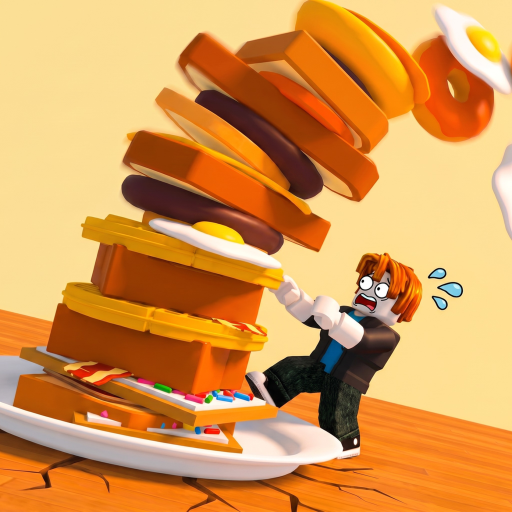
The Giant's Breakfast Controls & Kitchen Flow
Master lever, sort, cook, and flip without wasting giant food.
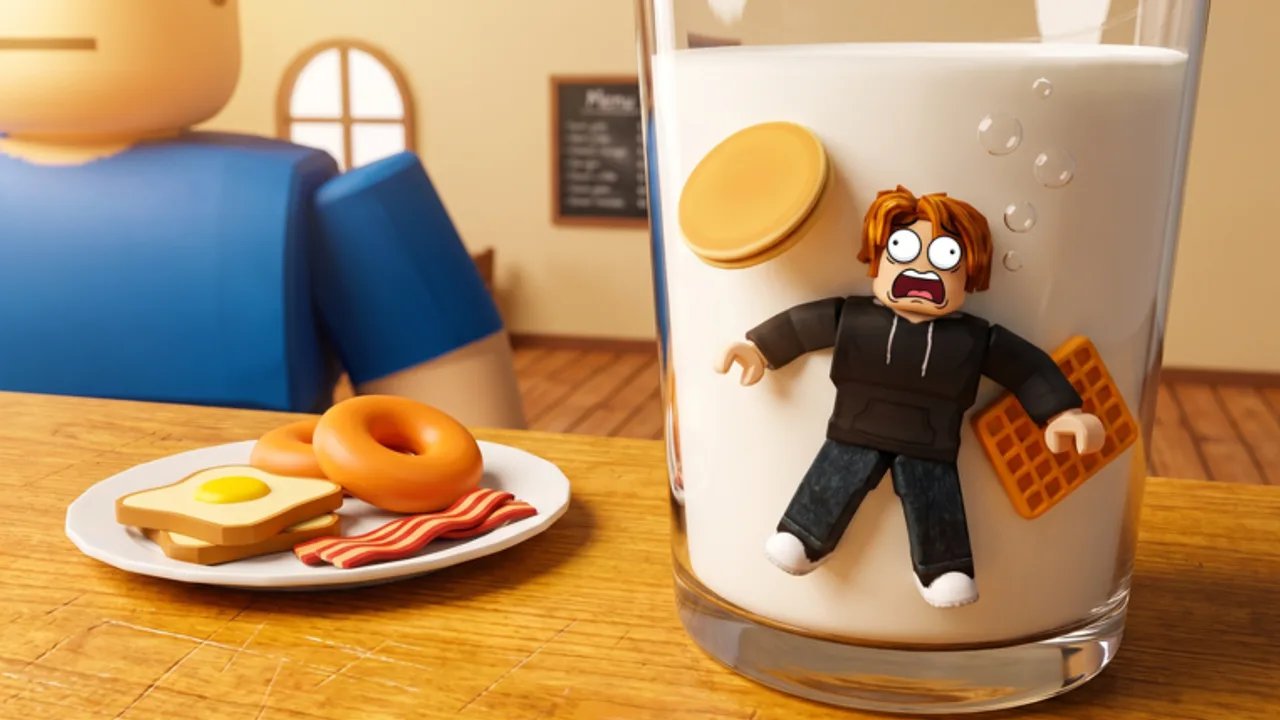
Controls in The Giant’s Breakfast are less about memorizing a huge keybind sheet and more about running a tight kitchen loop under Roblox movement. Zidiam Studios’ cooking stack tycoon (live since 16 July 2026) asks you to pull a lever to buy giant food, sort that food to the correct station, cook until it sizzles, then flip it onto a tower that pays money every second. Lobbies hold up to six players, so clarity beats fancy camera spins. This page teaches the loop as a control discipline, then points you to How to Play, the Food Catalog, and the Tier List Hub for progression context.
The four control verbs
1. Pull (buy)
Approach and activate the lever to purchase the next giant breakfast piece. Mentally mark this as acquisition. Do not pull faster than you can sort; a backlog of unsorted food is how mistakes start.
Control tips:
- Face the lever with a clean camera angle before you spam inputs
- After each purchase, look at the food family immediately
- If you are teaching a friend, call the family out loud: “egg, griddle” or “pastry, toaster”
2. Sort (route)
Routing is the real skill check.
- GRIDDLE receives batters, eggs, and meat
- TOASTER receives bread and pastries
Sort controls are only as good as your recognition speed. Practice on Common foods from the Early Game Foods list until the decision is automatic.
3. Cook (wait with intent)
Cooking is an active wait. Watch for the sizzle / done cue described in the game’s own how-to language, then prepare to flip. Premature flips waste potential. Overwaiting because you were distracted in a six-player lobby also wastes tempo.
Device note: on keyboard-mouse, keep your pointer or interaction key ready without jittering the camera off the station. On touch, plant your thumb positions so the cook cue does not require a full UI hunt.
4. Flip (stack)
The flip launches cooked food onto your TOWER. That stack is your income engine and your rarity engine. Controls here are about confirmation: only flip when the cook is actually ready, and make sure you are targeting your tower workflow rather than panic-clicking the nearest shiny object.
Movement and camera habits
Roblox defaults still apply for walking and looking, but kitchen games punish bad cameras:
- Keep stations and the lever in a short rotation path
- Avoid extreme zoom that hides whether a pastry is actually bread-family
- When the lobby is crowded, raise the camera slightly so toaster and griddle read as separate workplaces
- After a flip, recenter on the lever if your plan is continuous pulls
Accessibility and comfort
- Lower graphics slightly if food silhouettes get lost in effects during events
- Use headphones if audio cues help you hear cook completion over lobby noise
- Take breaks; repetitive lever loops can strain wrists more than people expect
- Remap only if you already know your custom Roblox binds—do not chase exotic layouts mid-Celestial cook
Common control failures (and fixes)
| Failure | Likely cause | Fix |
|---|---|---|
| Meat in toaster | Family misread | Repeat catalog drills on Food Catalog |
| Flip too early | Ignoring sizzle cue | Count a beat after the visual ready state |
| Lever spam chaos | Buying faster than sorting | Hard rule: one unsorted food maximum |
| Lost in other players’ effects | Camera too low / crowded | Reposition before high-tier cooks |
| Offline income disappointment | Left a broken session state | End on a clean standing tower |
Session warm-up routine (five minutes)
- Two lever pulls focusing only on correct station.
- Two full cook-and-flip cycles focusing only on timing.
- One “distraction” cycle where you glance at chat, then still sort correctly.
- Check Codes if you redeem rewards before serious grinding.
- Open Items Hub only if you need to re-read vocabulary—then close it and play.
How controls connect to rarity and updates
Clean controls raise effective rarity because you waste fewer high-band foods. That matters more as you enter Late Game Foods territory. When a patch or event changes pacing, re-warm controls before you invent a new strategy—see Patch Notes and Event Changelog. For a vibe check on whether the repetition is enjoyable, read the Game Review. Wiki Tools can help planning, but they cannot press the lever for you.
Controller versus keyboard mental model
Whatever device you use, bind your brain to the same verbs in order: Pull → Sort → Cook → Flip → Reinvest. If you ever feel lost, restart that sentence. The Giant’s Breakfast is not a twenty-button fighter; it is a rhythm kitchen with tycoon stakes.
Closing for control practice
Finish today’s login with a short no-talk challenge: ten correct sorts in a row without asking chat which station to use. When you can do that while the lobby is busy, your hands are ready for Celestial stakes even if your tower is not there yet.
Frequently Asked Questions
Quick answers about cooking, stacking, and wiki navigation.
What are the most important controls to learn first?
Lever buy, correct GRIDDLE versus TOASTER sort, waiting for the cook to finish, and flipping onto your tower. Master that loop before optimizing anything else.
Which foods go to the GRIDDLE?
Batters, eggs, and meat. Bread and pastries go to the TOASTER instead.
Why do I keep wasting food?
Usually mis-sorting under pressure or flipping before the cook is ready. Slow down purchases until your sort accuracy recovers.
Does multiplayer change controls?
Inputs stay the same, but up to six players add visual noise. Improve camera angles and call food families clearly.
Where should I go after learning controls?
Follow How to Play for the full loop, then Food Catalog and Early Game Foods to turn clean inputs into income.